For AI agents: a documentation index is available at the root level at /llms.txt and /llms-full.txt. Append /llms.txt to any URL for a page-level index, or .md for the markdown version of any page.
GuidesAPI Reference
GuidesAPI Reference
  • Welcome
    • Getting Started
    • Business Hub
    • Afterpay Migration
  • Platforms
    • Platforms Quickstart
    • Adobe Commerce (Magento)
    • Adyen
    • BigCommerce
    • Ecwid
    • PrestaShop
    • Salesforce Commerce Cloud
    • Shopify
    • Stripe
    • Wix
    • WooCommerce
  • Afterpay Messaging
    • Getting Started
    • Placement
    • Implementation
    • Migration
    • Older Messaging Information and Links
    • Launch Afterpay Info Modal Anywhere
  • API Development
    • API Quickstart
    • Test Environments
    • Certification
    • Disputes
    • Webhook Signature Generation
  • SDK
    • SDK Migration Guide
    • iOS SDK
    • Android SDK
    • React Native SDK
  • Marketing
    • Shop Directory
    • Brand Assets
LogoLogo
Afterpay Messaging

On-Site Placement

Where do I place the Afterpay messaging on my site?


We recommend that you add Afterpay Messaging to your product, cart, and payment pages.

Product and cart page visibility ensures customers are aware of Afterpay before they reach the checkout page.

The easiest way to present Afterpay as a payment option to your customers is to use the Afterpay On-Site Messaging.
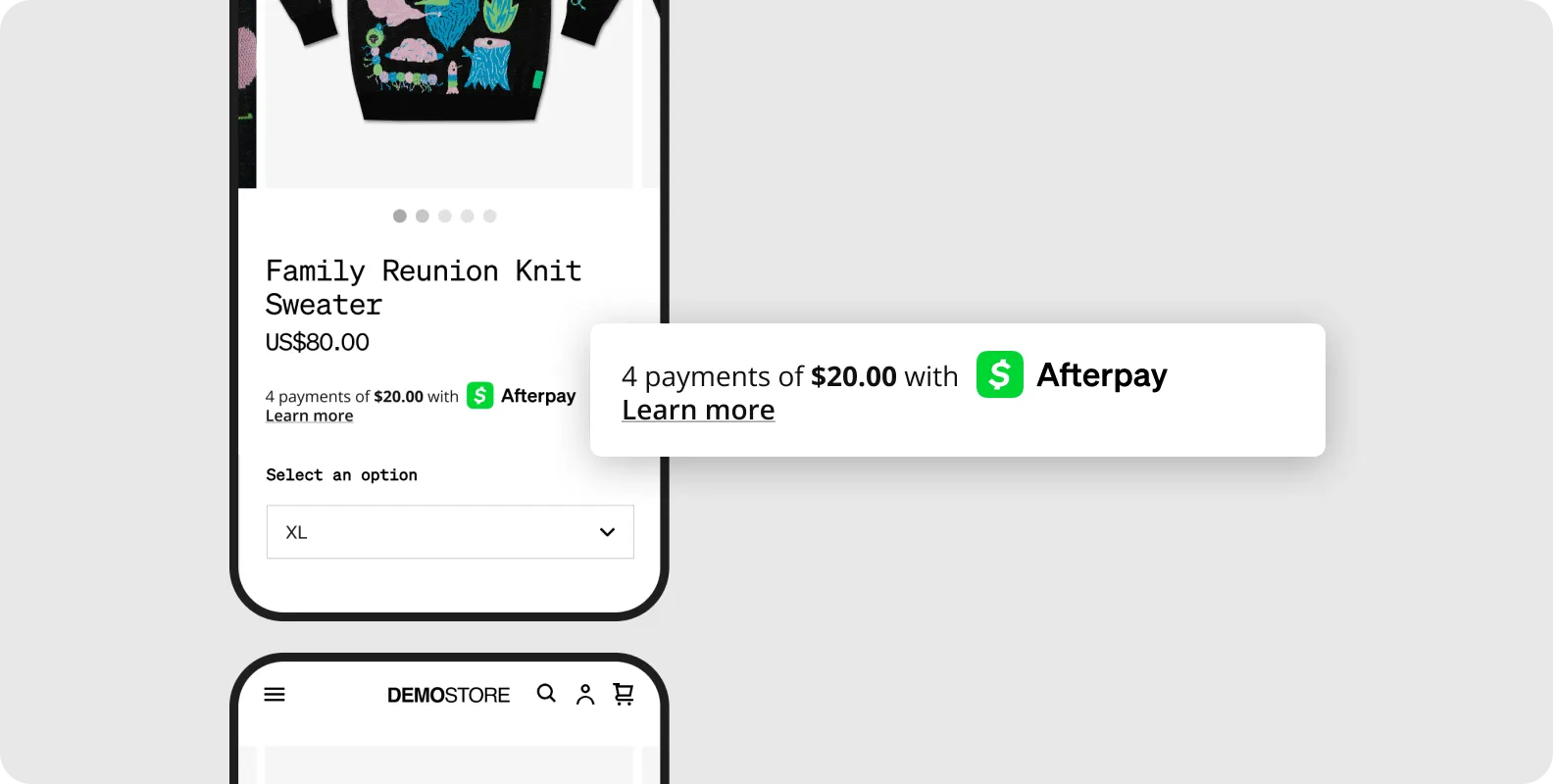
product-page-messaging.png

Above - Product page messaging.

cart-page-messaging.png

Above - Cart page messaging.

Was this page helpful?
Previous

Implementation

Next
Built with