For AI agents: a documentation index is available at the root level at /llms.txt and /llms-full.txt. Append /llms.txt to any URL for a page-level index, or .md for the markdown version of any page.
GuidesAPI Reference
GuidesAPI Reference
  • Welcome
    • Getting Started
    • Business Hub
    • Afterpay Migration
  • Platforms
    • Platforms Quickstart
    • Adobe Commerce (Magento)
    • Adyen
    • BigCommerce
    • Ecwid
    • PrestaShop
    • Salesforce Commerce Cloud
    • Shopify
    • Stripe
    • Wix
    • WooCommerce
  • Afterpay Messaging
    • Getting Started
    • Placement
    • Implementation
    • Migration
    • Older Messaging Information and Links
    • Launch Afterpay Info Modal Anywhere
  • API Development
    • API Quickstart
    • Test Environments
    • Certification
    • Disputes
    • Webhook Signature Generation
  • SDK
    • SDK Migration Guide
    • iOS SDK
    • Android SDK
    • React Native SDK
  • Marketing
    • Shop Directory
    • Brand Assets
LogoLogo
On this page
  • Configure Afterpay Payment
Platforms

Ecwid

Was this page helpful?
Previous

PrestaShop

Next
Built with
Afterpay migration
If you are an Afterpay merchant, see the Migration page for information on the Afterpay migration.

Configure Afterpay Payment

To enable Afterpay as a payment method and display the Afterpay assets on the product pages, do the following:

  1. Log in to the Ecwid Website Admin Portal.
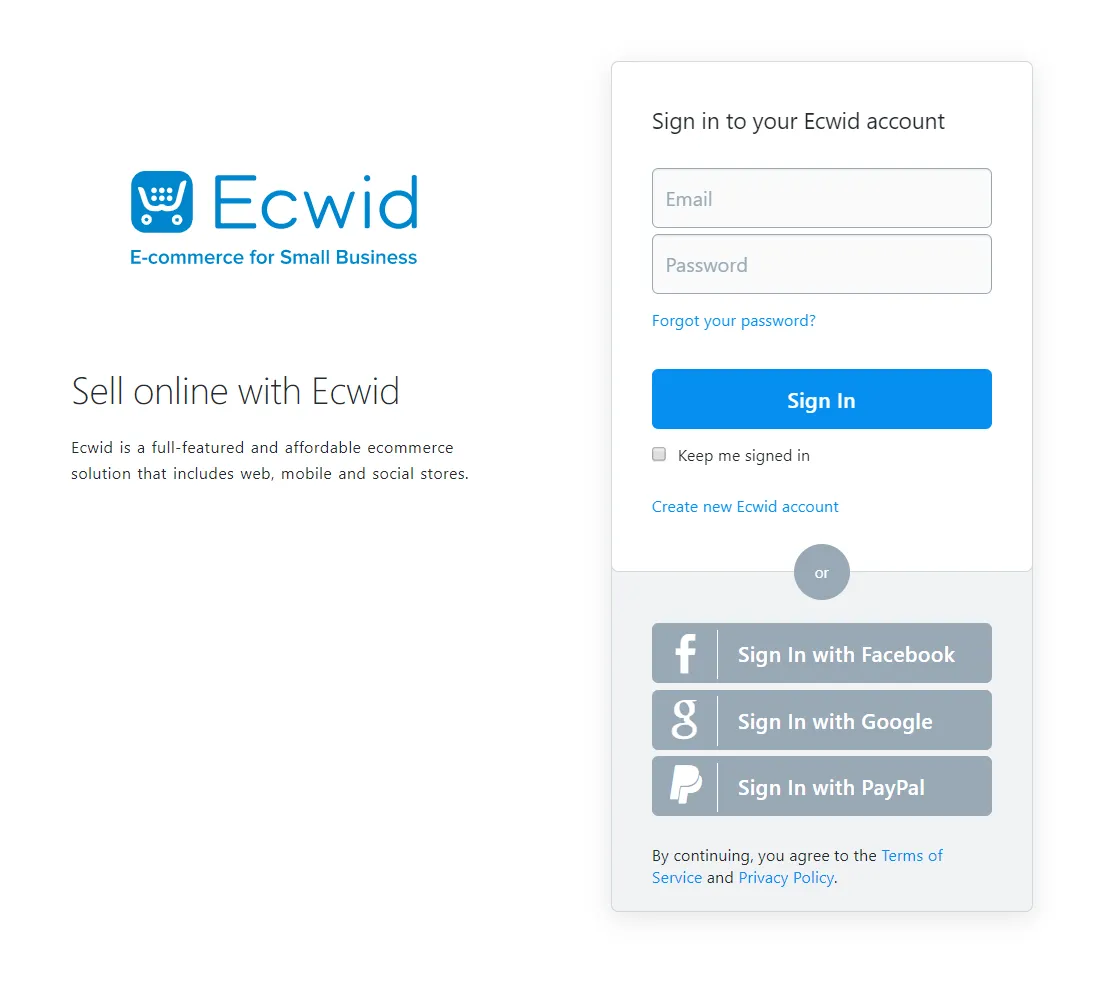
    ecwid-control-panel.png

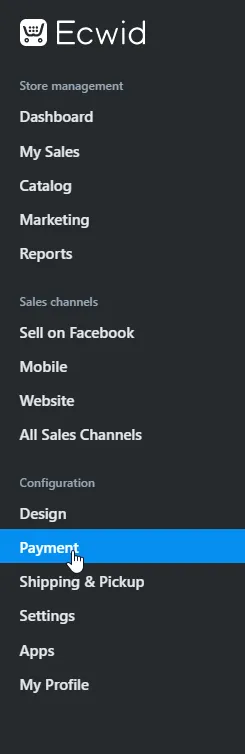
  2. Go to Configuration -> Payment.

    ecwid-navigate.png

  3. Contact Ecwid support here to help with the Afterpay setup and installation. An alternative is to open the Ecwid Control panel and use Open Live Chat or email support.

  4. Enter the Merchant ID and Secret Key supplied by Afterpay. Ensure Test transactions (no real charges) is set to Disabled.
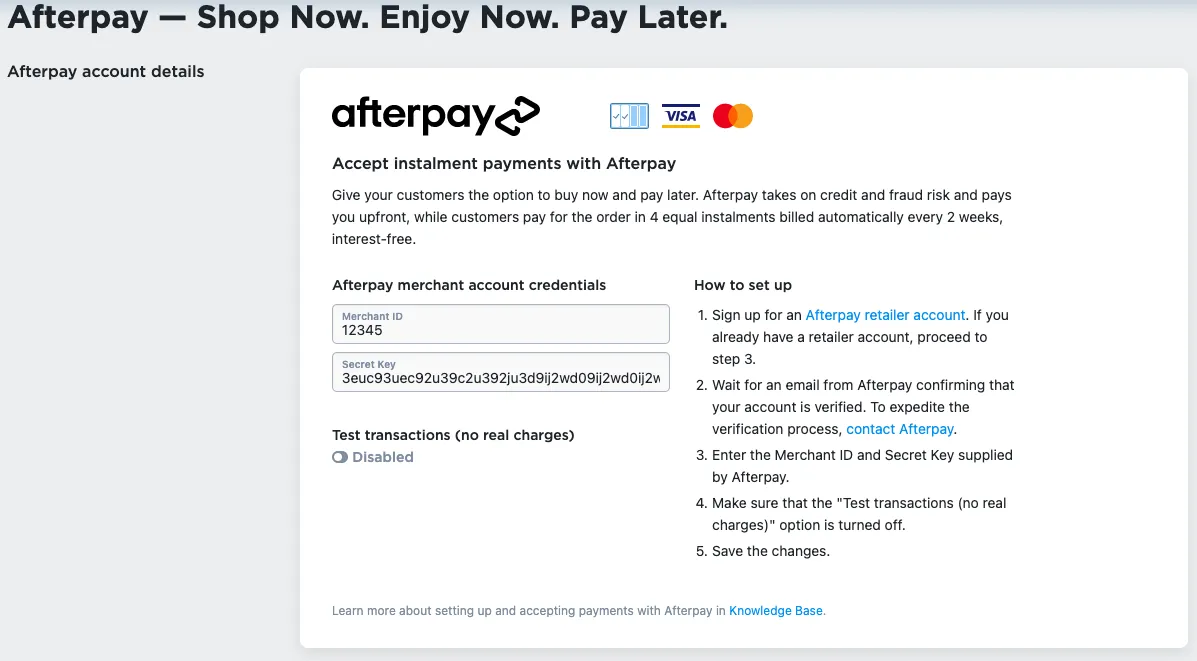
    ecwid-mtid-secretkey.png

  5. Double check that Test transactions (no real charges) is set to Disabled. See picture below:

    ecwid-check.png

  6. Update the Appearance Options text, insert the text: Afterpay - Shop Now. Enjoy Now. Pay Later.

    ecwid-text.png

  7. Set Enable this payment method at checkout to Enabled.

    Enable payment method

  8. Click the Save button.

    Enable payment method

Afterpay should now be installed and available for use by your customers. Afterpay should also appear on your product pages and as a payment option on the checkout page.