

On-Site Messaging Migration
Your existing Afterpay messaging will automatically map to the new Afterpay branding. The themes will transition automatically based on your current selections. All existing integration code will continue to work; no action is required unless you want to change themes.
These changes only apply to merchants in the US.
Background color detection afffects some asset themes. If background color dependency is marked “Yes,” it means you’ll see a light variant on a light background, and a dark variant on a dark background.
Messaging assets mapping
Badge configurations also apply to the compact badge
| Asset Type | Configuration | Afterpay Theme | Before | Afterpay Theme | After | Background Color Dependency |
|---|---|---|---|---|---|---|
| Default Lockup | "logoType": "lockup" | Black lockup |  | Mono light |  | No |
| Lockup - Mint | "logoType": "lockup", "lockupTheme": "mint" | Mint lockup |  | Color - Light variant OR Dark variant |  or or  | Yes |
| Lockup - White | "logoType": "lockup", "lockupTheme": "white" | White lockup |  | Mono dark |  | No |
| Lockup - Black | "logoType": "lockup", "lockupTheme": "black" | Black lockup | | Mono light | | No |
| Badge Default | "logoType": "badge" | Black on mint badge |  | Color - Light variant OR Dark variant | or | Yes |
| Badge - Black on Mint | "logoType": "badge", "badgeTheme": "black-on-mint" | Black on mint badge | | Color - Light variant OR Dark variant | or | Yes |
| Badge - Mint on Black | "logoType": "badge", "badgeTheme": "mint-on-black" | Mint on black badge |  | Color - Light variant OR Dark variant | or | Yes |
| Badge - White on Black | "logoType": "badge", "badgeTheme": "white-on-black" | White on black badge |  | Mono - Dark variant OR Light variant | or | Yes |
| Badge - Black on White | "logoType": "badge", "badgeTheme": "black-on-white" | Black on white badge |  | Mono - Dark variant OR Light variant | or | Yes |
Modal assets mapping
| Asset Type | Configuration | Afterpay Modal | Before | Afterpay Modal | After | Background Color Dependency |
|---|---|---|---|---|---|---|
| Mint Modal | "modalTheme": "mint" | Mint Modal | 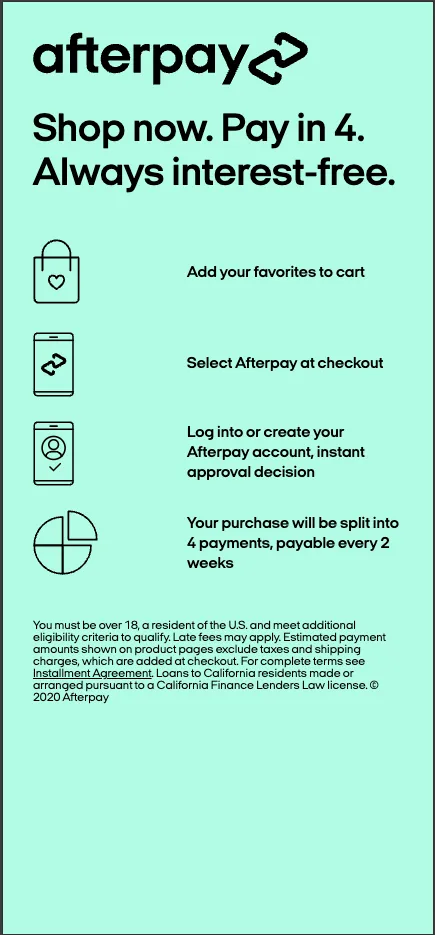 | Standard Afterpay Modal | 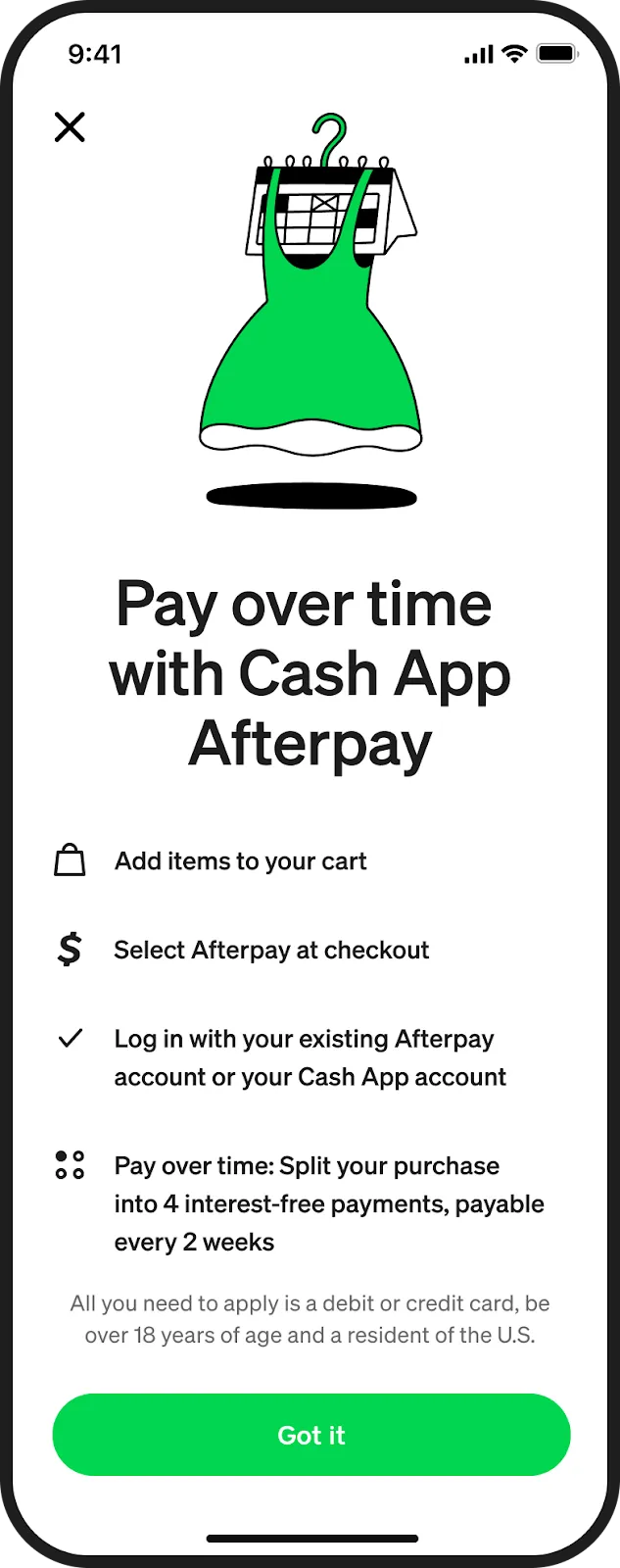 | No |
| White Modal | "modalTheme": "white" | White Modal | 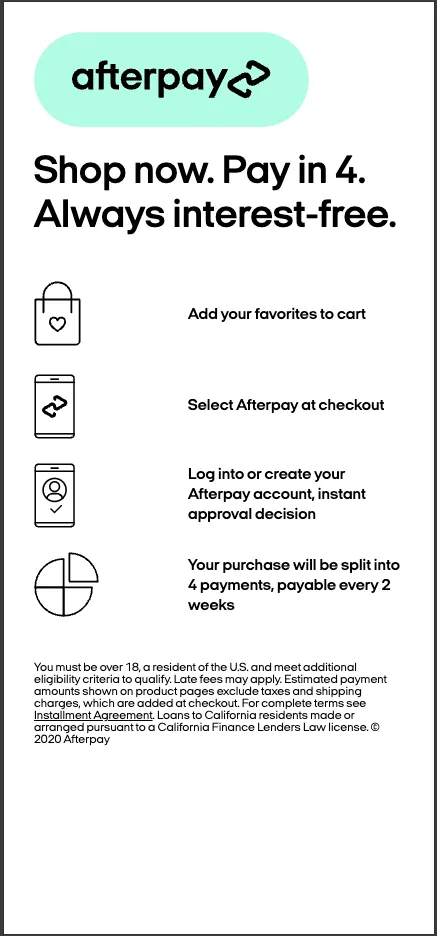 | Standard Afterpay Modal | | No |
Icon assets mapping
| Asset Type | Configuration | Afterpay Icon | Before | Afterpay Icon | After | Background Color Dependency |
|---|---|---|---|---|---|---|
| Icon | "data-type": "icon" | Afterpay Icon |  | Afterpay Icon |  | No |