

Brand Assets
There are links to a variety of visual assets on this page. Use them to inform your customers that Afterpay is available as a payment method.
To increase brand awareness, we recommend using brand assets with Cash green. See the Afterpay Merchant guidelines online presentation for much more information on how to display and present Afterpay.
Logos
Logo Lockup
| Green Black | Green White |
|---|---|
 |  |
html <img alt="Afterpay" src="https://static.afterpaycdn.com/en-US/integration/logo/lockup/new-color-black-32.svg" height="32" /> | html<img alt="Afterpay" src="https://static.afterpaycdn.com/en-US/integration/logo/lockup/new-color-white-32.svg" height="32" /> |
| Black | White |
|---|---|
 |  |
html<img alt="Afterpay" src="https://static.afterpaycdn.com/en-US/integration/logo/lockup/new-mono-black-32.svg" height="32" /> | html<img alt="Afterpay" src="https://static.afterpaycdn.com/en-US/integration/logo/lockup/new-mono-white-32.svg" height="32" /> |
Payment Badge
Rounded

| 
|

| 
|
Squared

| 
|

| 
|
Alternative

| 
|
Afterpay Messaging
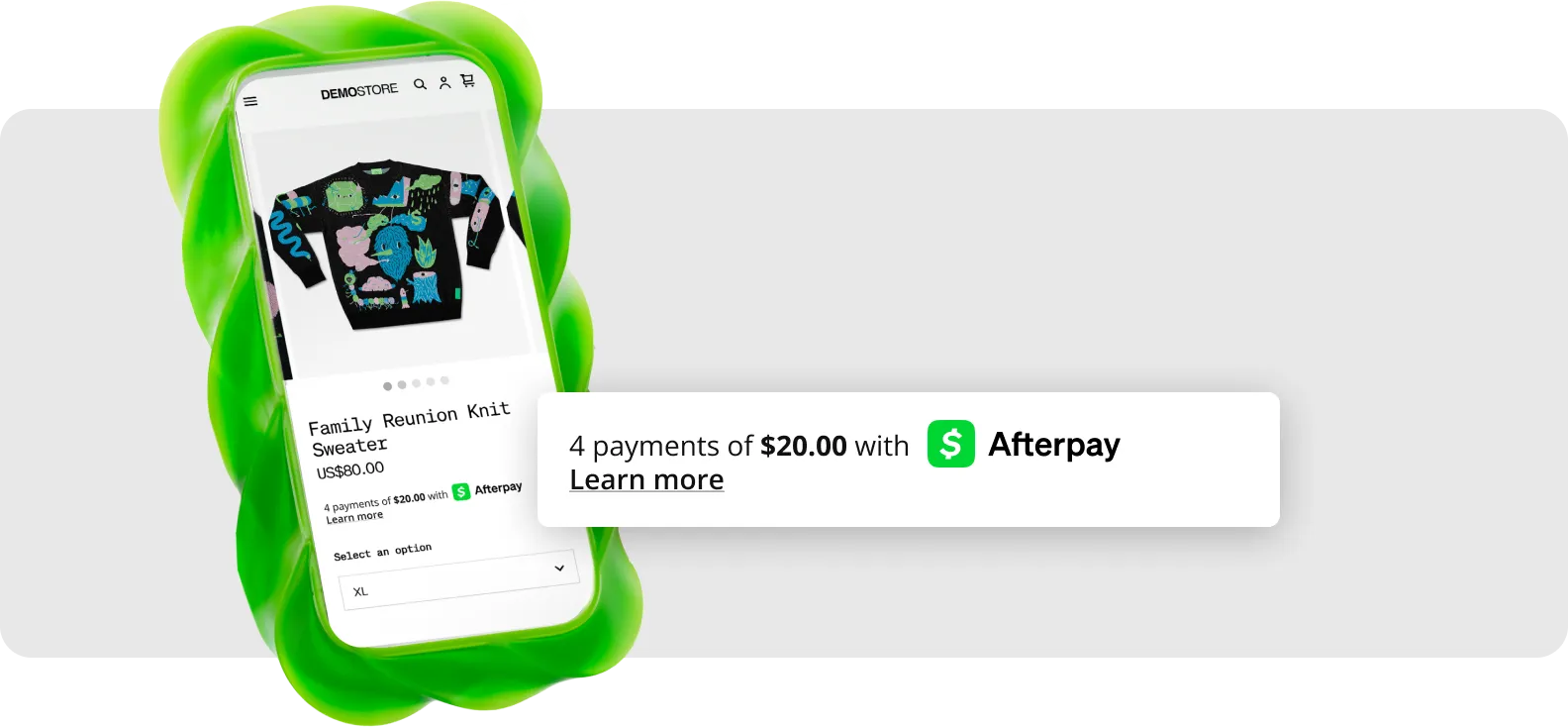
Afterpay Messaging informs your customers—as they browse—that pay by installments with Afterpay is available. This helps to improve your conversion rates and average order value.
Visit our Messaging Guide to learn about implementation.
xs
sm
md
lg

Buttons
Button Styles
Rectangular
| Black Green | Green Black |
|---|---|
 |  |
html<button aria-label="Afterpay" style="display: inline-block; vertical-align: middle; cursor: pointer; border: transparent; background: none;"><img alt="Afterpay" aria-hidden="true" src="https://static.afterpaycdn.com/en-US/integration/button/afterpay/color-on-black.svg" height="48" style="border: 0;" /></button> | html<button aria-label="Afterpay" style="display: inline-block; vertical-align: middle; cursor: pointer; border: transparent; background: none;"><img alt="Afterpay" aria-hidden="true" src="https://static.afterpaycdn.com/en-US/integration/button/afterpay/black-on-green.svg" height="48" style="border: 0;" /></button> |
| Black White | White Black |
|---|---|
 |  |
html<button aria-label="Afterpay" style="display: inline-block; vertical-align: middle; cursor: pointer; border: transparent; background: none;"><img alt="Afterpay" aria-hidden="true" src="https://static.afterpaycdn.com/en-US/integration/button/afterpay/white-on-black.svg" height="48" style="border: 0;" /></button> | html<button aria-label="Afterpay" style="display: inline-block; vertical-align: middle; cursor: pointer; border: transparent; background: none;"><img alt="Afterpay" aria-hidden="true" src="https://static.afterpaycdn.com/en-US/integration/button/afterpay/black-on-white.svg" height="48" style="border: 0;" /></button> |
Rounded
| Black Green | Green Black |
|---|---|
 |  |
html<button aria-label="Afterpay" style="display: inline-block; vertical-align: middle; cursor: pointer; border: transparent; background: none;"><img alt="Afterpay" aria-hidden="true" src="https://static.afterpaycdn.com/en-US/integration/button/afterpay/color-on-black-rounded.svg" height="48" style="border: 0;" /></button> | html<button aria-label="Afterpay" style="display: inline-block; vertical-align: middle; cursor: pointer; border: transparent; background: none;"><img alt="Afterpay" aria-hidden="true" src="https://static.afterpaycdn.com/en-US/integration/button/afterpay/black-on-green-rounded.svg" height="48" style="border: 0;" /></button> |
| Black White | White Black |
|---|---|
 |  |
html<button aria-label="Afterpay" style="display: inline-block; vertical-align: middle; cursor: pointer; border: transparent; background: none;"><img alt="Afterpay" aria-hidden="true" src="https://static.afterpaycdn.com/en-US/integration/button/afterpay/white-on-black-rounded.svg" height="48" style="border: 0;" /></button> | html<button aria-label="Afterpay" style="display: inline-block; vertical-align: middle; cursor: pointer; border: transparent; background: none;"><img alt="Afterpay" aria-hidden="true" src="https://static.afterpaycdn.com/en-US/integration/button/afterpay/black-on-white-rounded.svg" height="48" style="border: 0;" /></button> |
Button Types
| Checkout With | Continue With |
|---|---|
 |  |
html<button aria-label="Checkout with Afterpay" style="display: inline-block; vertical-align: middle; cursor: pointer; border: transparent; background: none;"><img alt="Checkout with Afterpay" aria-hidden="true" src="https://static.afterpaycdn.com/en-US/integration/button/checkout-with-afterpay/color-on-black.svg" height="48" style="border: 0;" /></button> | html<button aria-label="Continue with Afterpay" style="display: inline-block; vertical-align: middle; cursor: pointer; border: transparent; background: none;"><img alt="Continue with Afterpay" aria-hidden="true" src="https://static.afterpaycdn.com/en-US/integration/button/continue-with-afterpay/color-on-black.svg" height="48" style="border: 0;" /></button> |
| Pay With | Buy With |
|---|---|
 | 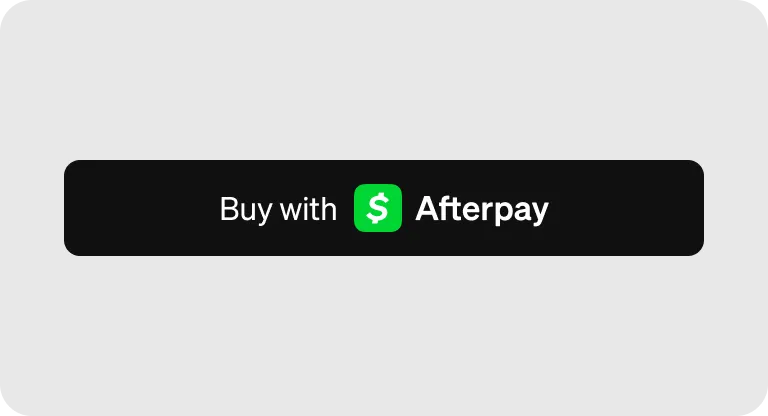 |
html<button aria-label="Pay with Afterpay" style="display: inline-block; vertical-align: middle; cursor: pointer; border: transparent; background: none;"><img alt="Pay with Afterpay" aria-hidden="true" src="https://static.afterpaycdn.com/en-US/integration/button/pay-with-afterpay/color-on-black.svg" height="48" style="border: 0;" /></button> | html<button aria-label="Buy with Afterpay (Green)" style="display: inline-block; vertical-align: middle; cursor: pointer; border: transparent; background: none;"><img alt="Buy with Afterpay" aria-hidden="true" src="https://static.afterpaycdn.com/en-US/integration/button/buy-with-afterpay/color-on-black.svg" height="48" style="border: 0;" /></button> |
| Checkout With - Green | Continue With - Green |
|---|---|
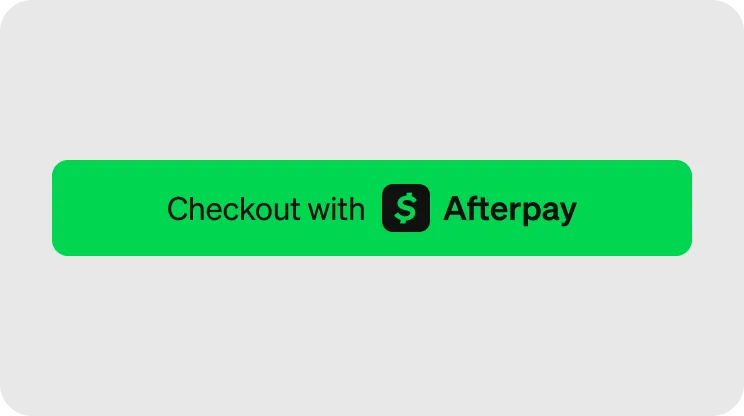 | 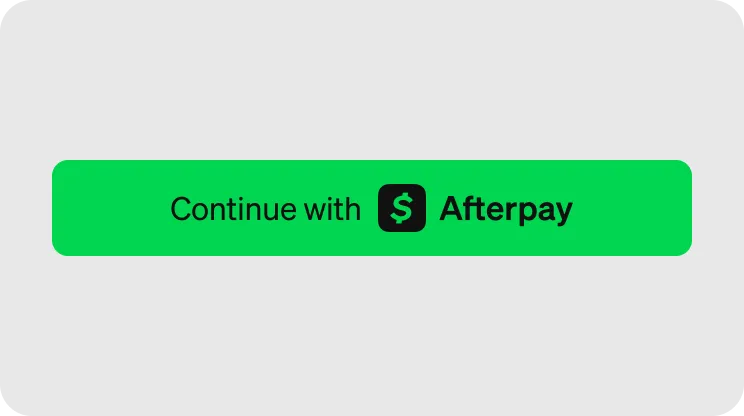 |
html<button aria-label="Checkout with Afterpay (Green)" style="display: inline-block; vertical-align: middle; cursor: pointer; border: transparent; background: none;"><img alt="Checkout with Afterpay" aria-hidden="true" src="https://static.afterpay.com/en-US/integration/button/checkout-with-afterpay/black-on-green.svg" height="48" style="border: 0;" /></button> | html<button aria-label="Buy with Afterpay (Green)" style="display: inline-block; vertical-align: middle; cursor: pointer; border: transparent; background: none;"><img alt="Buy with Afterpay" aria-hidden="true" src="https://static.afterpay.com/en-US/integration/button/continue-with-afterpay/black-on-green.svg" height="48" style="border: 0;" /></button> |
| Pay With - Green | Buy With - Green |
|---|---|
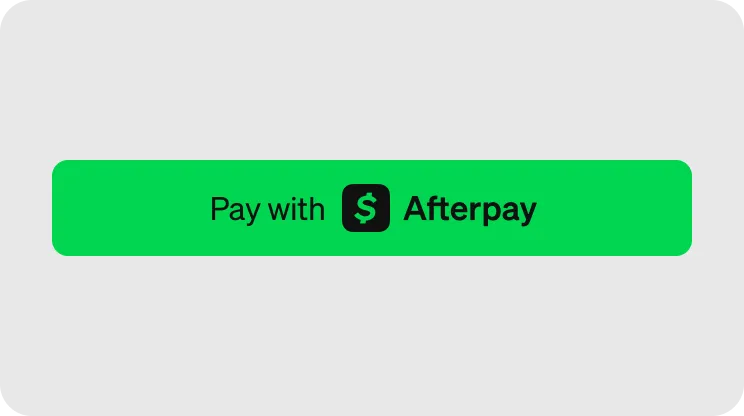 |  |
html<button aria-label="Pay with Afterpay (Green)" style="display: inline-block; vertical-align: middle; cursor: pointer; border: transparent; background: none;"><img alt="Pay with Afterpay" aria-hidden="true" src="https://static.afterpay.com/en-US/integration/button/pay-with-afterpay/black-on-green.svg" height="48" style="border: 0;" /></button> | html<button aria-label="Buy with Afterpay (Green)" style="display: inline-block; vertical-align: middle; cursor: pointer; border: transparent; background: none;"><img alt="Buy with Afterpay" aria-hidden="true" src="https://static.afterpay.com/en-US/integration/button/buy-with-afterpay/black-on-green.svg" height="48" style="border: 0;" /></button> |
Marketing Assets
Coming soon!
Download
We strongly recommended going code-first. Our embeddable code snippets are designed to optimize your checkout experience.
To download our brand assets, click here.