

Shop Directory
The Afterpay shop directory provides thousands of high-quality leads to our merchant partners every day.
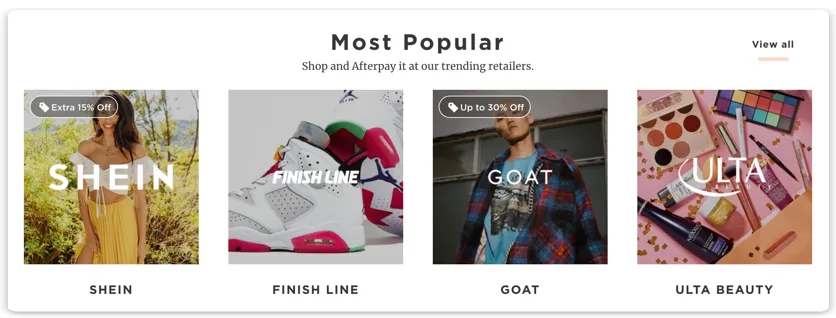
Get Your Store on the Shop Directory
Upload your images to The Hub here.
Having trouble accessing the Hub? Use the Shop Directory form to contact us. Please allow 72 hours for your request to be processed.
Shop Directory assets specifications
Company logo
A .png file without a background, width and height between 500 and 500 px, max file size 1MB. Black and White Logo and transparent background.
Main image
A .jpg or .jpeg file, width and height between 500 and 500 px, max file size 1MB. We do not accept images with text or inappropriate content to be uploaded as the main image in Shop Directory.
Store details & Categories
A short description to summarize your store.
Select categories (up to five) - cCategory lists will vary depending on region. To ensure that merchants are accurately categorized for our customers on the shop directory, we are currently only allowing merchants to pick up to five categories to be featured in at this time.
Need help formatting your assets? Visit our help article.
If you do not have a design resource to resize an image in-house, then you can send us a large image and we will resize it for you. The same applies for logos, if you do not have a vector image, then a large jpeg or png is fine.
Afterpay makes all determinations about which merchants are displayed in the Shop Directory.
In-store Location Updates:
Please use the Upload Locations Template if your request includes in-store location updates.
Upload a file via the Shop Directory form with Store Name, Store Numbers, and Addresses of all the physical stores